 Xervente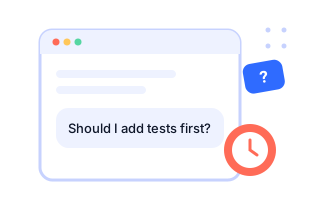
The agent stops to ask
"Should I add tests first?" "Postgres or SQLite?" Normally it waits until you come back. That is the time Xervente gives you back.
Coding agents stop to ask you things all day. Xervente sits between you and the agent: it answers the way you would, and holds anything risky until you say yes, from your desk or your phone.
Runs on your computer. Uses the AI you already pay for. Nothing goes to our servers.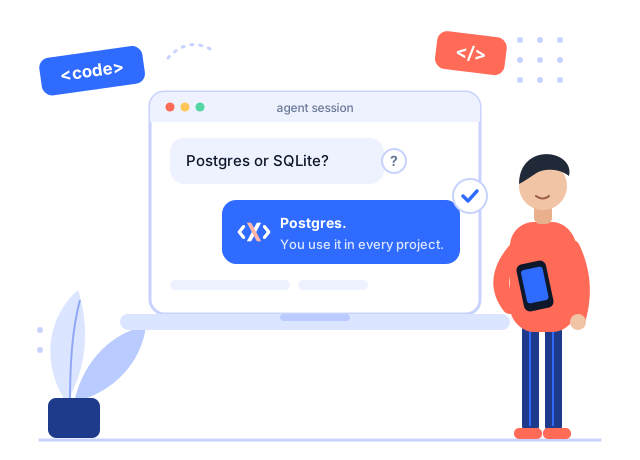
Xervente plugs into your agent's own hooks. There is nothing new to learn: keep working the way you do.
"Should I add tests first?" "Postgres or SQLite?" Normally it waits until you come back. That is the time Xervente gives you back.
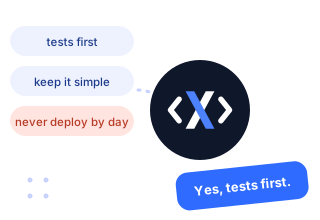
It learns how you decide from your own sessions and corrections, and replies the way you would, with your model. It also turns down extras you never asked for.
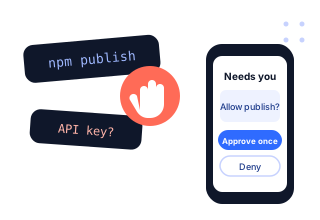
Publishing, deploying, deleting data, payments, passwords and keys are never decided for you. They come to your phone: approve once, or deny.
Pick per project, change any time with /xervente review or /xervente autopilot.
Xervente answers the agent itself and only comes to you when it is serious. Your agent keeps going while you are in a meeting, at lunch, or asleep.
Xervente drafts the answer. You see what the agent asked and the draft side by side: send it, edit it, or drop it. The agent waits up to ten minutes.
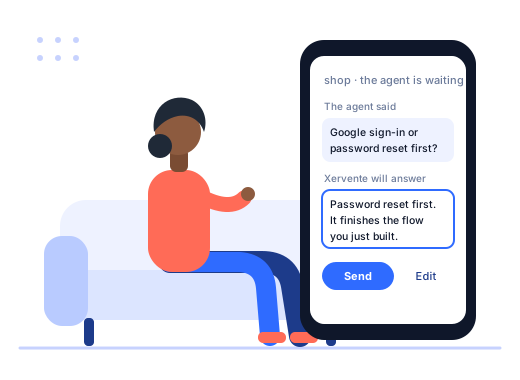
These always wait for you, in autopilot too. A password typed on your phone goes to the agent once and is never stored.
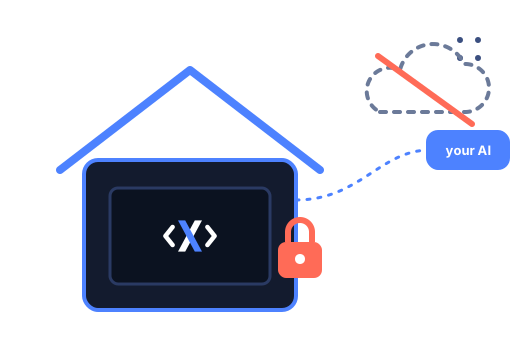
Xervente is not a cloud service. It runs next to your agent, on your machine.
Everything Xervente does is in the free plan. Pro lifts the limits.
We are opening Xervente to a small group of developers first. Tell us what you use; we will write when your place is ready.
It reads what your agent is doing, on your computer, so it can answer in context. Nothing is uploaded to us. The only thing that leaves your machine is the question it asks your own AI account, exactly like your agent does.
Claude Code (CLI and the VS Code, Cursor and JetBrains extensions) is fully supported. Cursor, Gemini CLI and Antigravity are in beta. With Windsurf, Xervente records and holds risky steps, but cannot answer the agent, because Windsurf does not allow it.
Use Review to check every answer first, or undo a decision in the app and say why: Xervente learns from it and will not make that call again. Risky steps are never decided for you.
Any time. Per project with /xervente off, or everywhere with one switch in the app. Your agent then works exactly as before.
Your phone talks straight to your computer on the same network, paired with a QR code. Nothing goes through a Xervente server.